
- Blog
- 11 of the Best Online Tutoring Tools: T...
11 of the Best Online Tutoring Tools: Teaching With Tech

 Like
LikeThe transition from in-person classes to online lessons has opened up a world of private teaching possibilities for online tutors. If you are one of the many private tutors looking to start teaching online, the right digital tools can make all the difference.

Providing engaging learning experiences is the key to helping students improve. In this article we'll take a look at the best online tutoring tools to help you connect with students and grow your tutoring business!
Key Takeaways
-
The FindTutors App is a fantastic all-rounder for tutors looking top optimise their autonomy and client capture.
-
The GoStudent App provides ongoing support and access to innovate digital resources for professional, vetted tutors.
-
Miro and BitPaper are useful for STEM tutors seeking virtual whiteboards that makes teaching abstract concepts and equations more accessible.
-
Google Classroom and Teams are suitable for teachers working with larger schools who require a robust system for file sharing, assignments, and breakout rooms.
-
Kahoot! Padlet, and Canva let primary school educators to engage students through gamified quizzes and vibrant, dynamic teaching materials.
-
Notion can help boost growing tutition businesses by centralising a variety of online tutoring admin tools.
The best online tutoring tools ranked
1. The FindTutors App - The freedom to shape your tutoring business
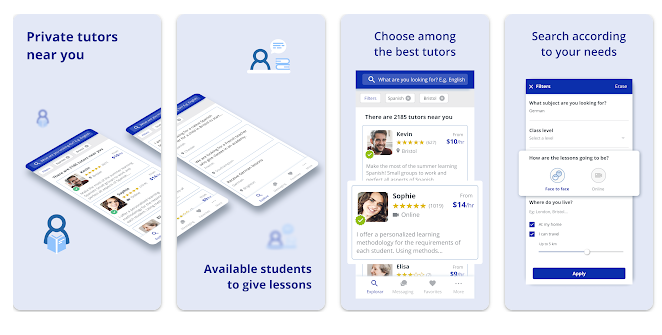
As one of the leading tutoring sites, the FindTutors app offers a user-friendly mobile and desktop experience that enhances collaboration and communication between students and private teachers.
The app allows you to schedule lessons directly with students while managing your profile, rates and availability. The platform's unique two-way search systems offer students the opportunity to post student ads detailing their educational goals and needs, letting you reach out to learners in search or your tutoring expertise.
2. The GoStudent App - Client acquisition support and interactive classes
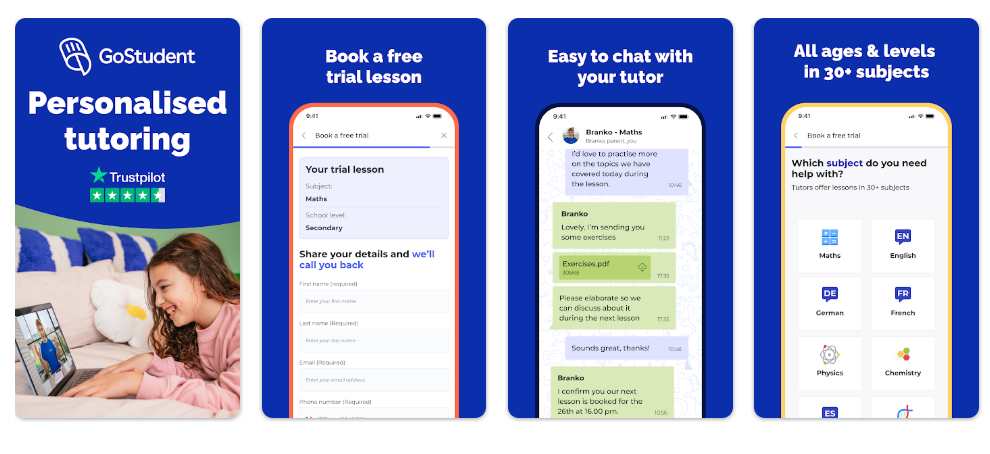
The GoStudent app provides access to a high-tech virtual learning system that streamlines the connection between students and expert private tutors.
The app enables you to manage lesson schedules seamlessly while tracking student progress through AI-generated summaries and digital reports. The platform's expert matching service removes the need for manual searching by pairing students with the ideal tutor for their specific curriculum, ensuring every session is perfectly tailored to individual academic goals and learning styles.
3. Miro - A dynamic virtual whiteboard
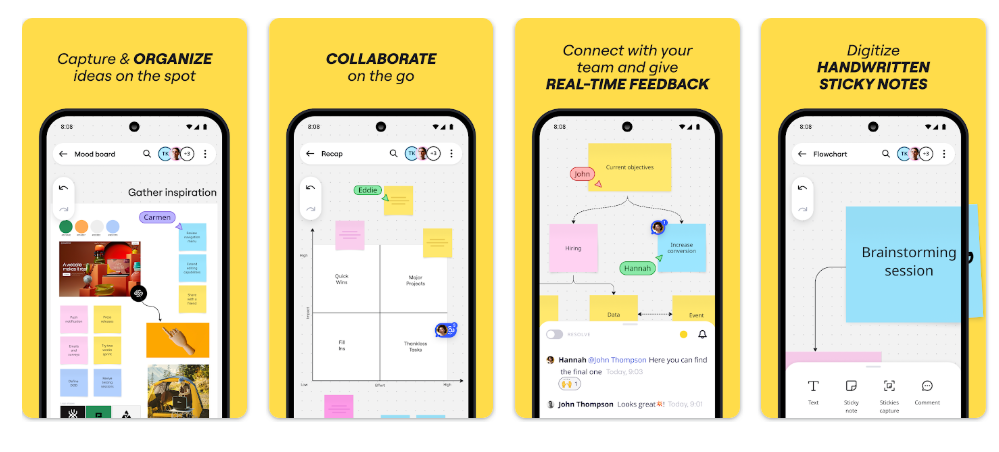
Miro is a popular choice for interactive lessons with both individuals and groups. A virtual whiteboard tool, it gives private teachers and students the ability to collaborate on visual exercises and projects in real-time. In contrast to more static learning resources such as PowerPoint slides, Miro is suitable for both young and mature students, making space for creative ideas to flourish in a collaborative manner.
4. Google Classroom - Easy integration with Gmail and calendar apps
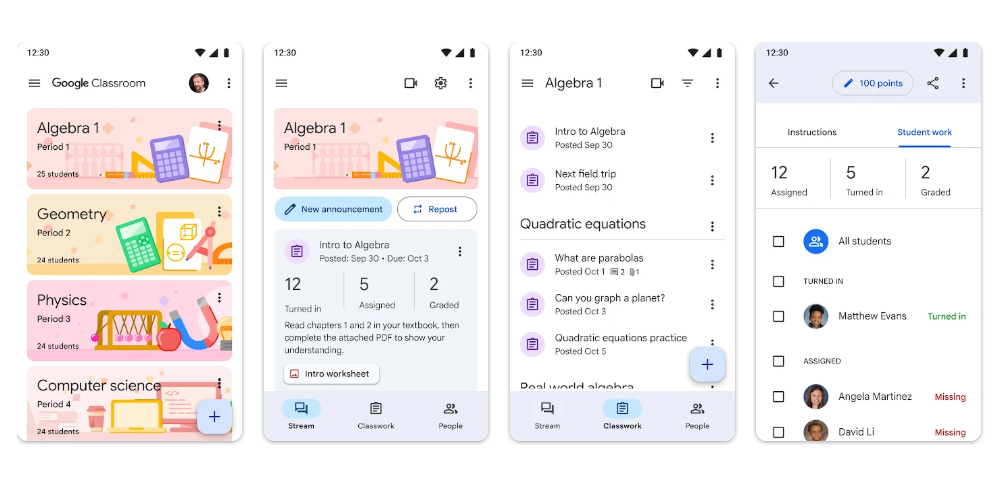
Google Classroom is a useful tool for tutors looking to integrate online lesson delivery with their email and calendar tools for easy class scheduling. The tools allows for file sharing, teaching materials organisation, breakout rooms for group tutoring sessions. A free plan is available for new tutors taking the first steps in setting up their online tutoring business.
5. Microsoft Teams - Group classes and one-to-one tuition
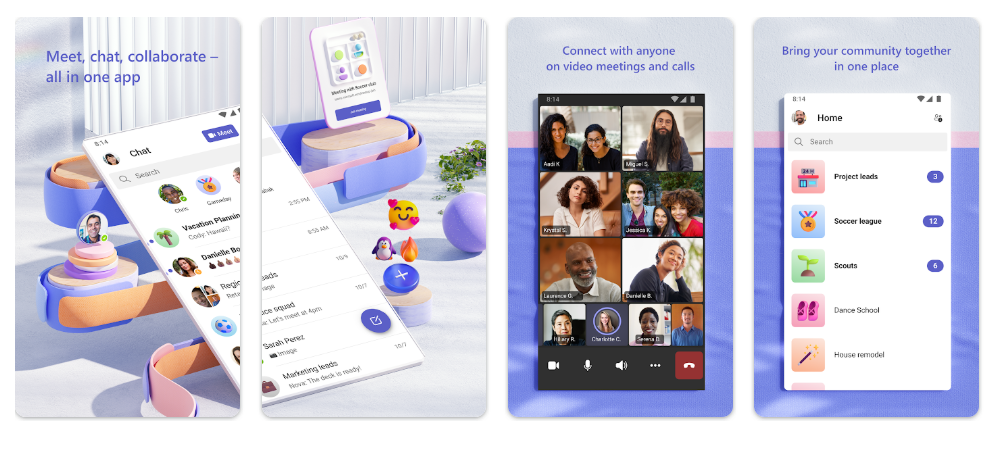
With Microsoft Teams tutors can create a dedicated 'Class Team' for group sessions, or individual chats for solo students. The platform provides a structured space for voice recordings, chat, and video calls, and its free plan offers generous meeting times, making it a popular choice for those looking to move their in-person tutoring business online.
6. Zoom - Easy-to-use videocall software
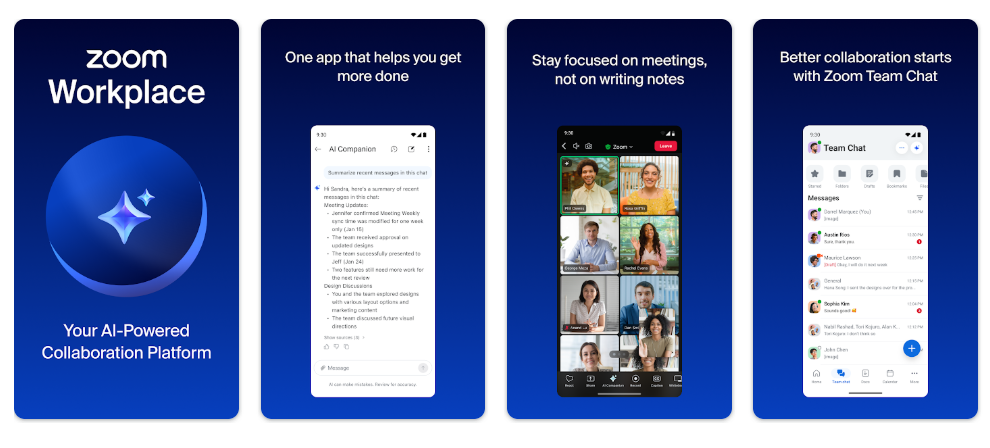
Zoom is a widely used tool within the online tutoring community. The free options allow for shorter lessons, but the paid version offers additional features like video creation and recording. It’s a best online pick for those who need high-quality video to mimic an in-person feel.
7. Kahoot! - Create your own quizzes
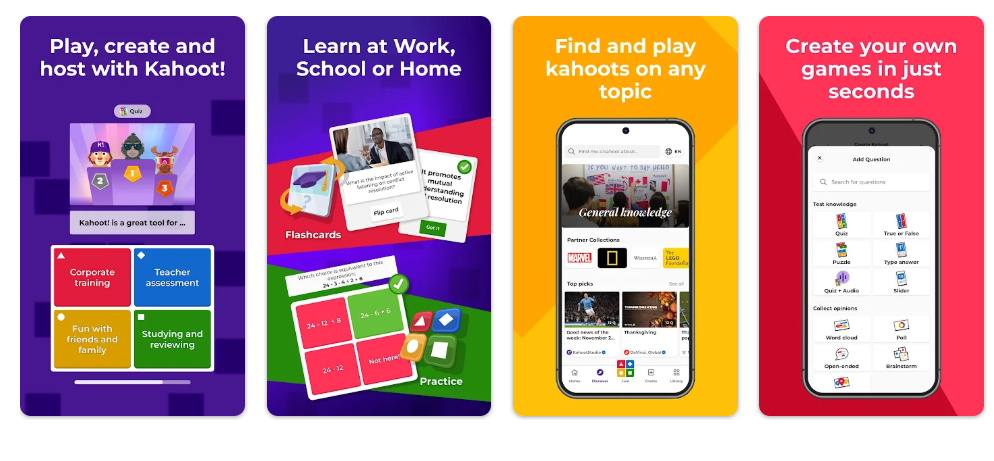
Interactive quizzes are a great way to get younger learners involved in online classes. Kahoot! turns standard course materials into a game, allowing tutors to create bespoke flash-card style digital quizzes tailored to their students' interests and study goals.
8. BitPaper - Minimalist design to improve student focus
For online maths and science tutors, BitPaper is a streamlined virtual whiteboard tool can be used to draw and annotate complex equations in realtime. It allows tutors and students to focus and collaborate on challenging concepts without distractions, ensuring that the learning experience remains smooth and efficient.
9. Canva - Add colour to your tutoring sessions
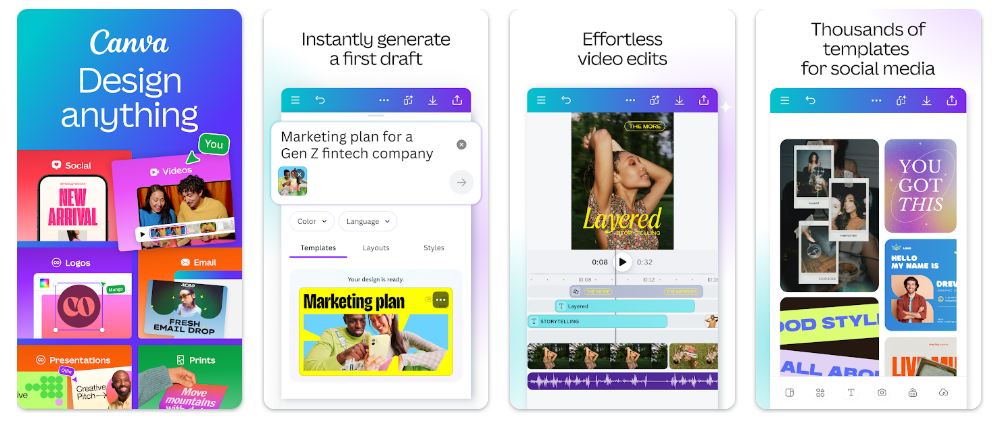
When it comes to online tutoring, the visuals matter! Canva lets online tutors to design their own digital teaching and revision materials from scratch, or adapt ready-made templates for easy resource creation. The program offers a free plan for private teachers who are starting out, allowing you to make eye-catching online promotion materials to boost your fledgling business.
10. Padlet - Boost engagement for visual and auditory learners
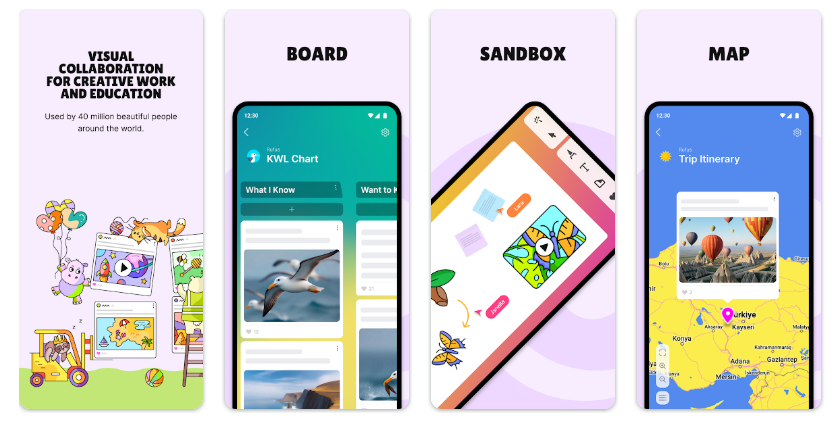
Padlet is a multifunctional online tool that allows for voice recordings, link sharing, image hosting, collaborative worksheet creation. The program's cartoon sandbox feature can be a particularly effective for private tutors working with primary school students.
11. Notion - Keep everything together
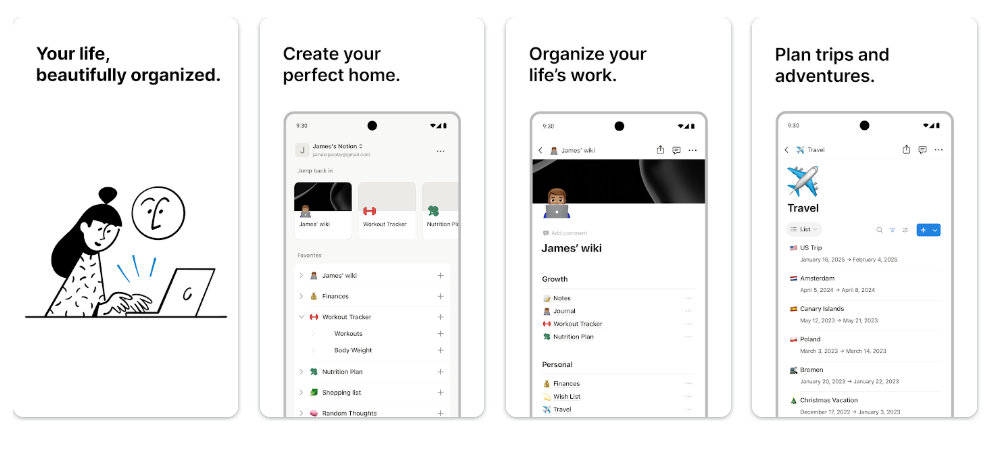
Running a successful online tutoring business means taking care of admin. Notion is an AI-powered workspace that helps online tutors to schedule lessons, store teaching materials for different students, track finances, and make notes on the go. The app's 'all-in-one' structure makes can make it useful tool for online tutors who prefer to manage everything from a single app.
Tool Pricing Comparison Title
|
Brand |
Free Download? |
Starting Paid Plan (Approx. GBP) |
Key Benefit |
|
FindTutors App |
Free to download |
0% commission |
Two-way tutor-student search system increases client base. |
|
GoStudent |
Free to download |
Platform comissions may apply to tutors |
Bespoke tutor-student matching service. |
|
Miro |
Access to 3 free boards |
£8.00 per month |
Unlimited number of virtual whiteboards for lessons. |
|
Google Classroom |
Basic version free to download |
£5.00 month |
Easy to integrate with other Google apps. |
|
Microsoft Teams |
Basic version free to downoad |
£3.00 per month |
High-quality video and breakout rooms. |
|
Zoom |
Basic version free to download |
Pro plan: £12.00 per month |
Instant file sharing and integrated scheduling tools. |
|
Kahoot! |
Basic version free to download |
£3 to £15 per month depending on features selected |
Personalised learning resource creation. |
|
BitPaper |
30-day free trial with basic features |
£11.00 per month for a tutor account |
Collaborative virtual whiteboard. |
|
Canva |
Basic version free to download |
£10.00-13.00 month depending on tier selected |
Range of tools to create wide selection of tutoring resources. |
|
Padlet |
Access to 3 free boards |
£6.00 per month |
Options to design multimedia classes. |
|
Notion |
Basic version free to download |
£8.00 per month |
Full CRM to manage tutoring businesses. |
Finding the Right Tutoring Tools
Choosing the right online teaching tools is key to the success of your tutoring business. While some tutoring sites restrict rates and schedules, FindTutors is designed to give you total autonomy.
On the FindTutors website and app, you have the unique ability to:
Set your own rates: You decide your hourly rates based on your tutoring experience and the subject level, from primary school to university.
Keep 100% of your earnings: Unlike agencies and platforms that charge high commission fees, FindTutors allows you to take home everything you earn from your lessons.
Direct communication: You can chat with parents and students directly to discuss teaching methods and goals before the first lesson.
Flexible scheduling: You manage your own calendar, allowing students to book times that work for both of you.

Why Choose Online Tutoring?
-
Flexible scheduling: teach on your own terms, set your own rate, manage your own hours.
-
No location restrictions: teach from anywhere you can access WiFi.
-
Money-saving: No travel costs compared to commutes for in-person tutoring.
-
Best tools: Access to free digital tools that help students make genuine progress.
Ready to start your online tutoring journey? Become a tutor with Findtutors today and build your tuition business on your terms!